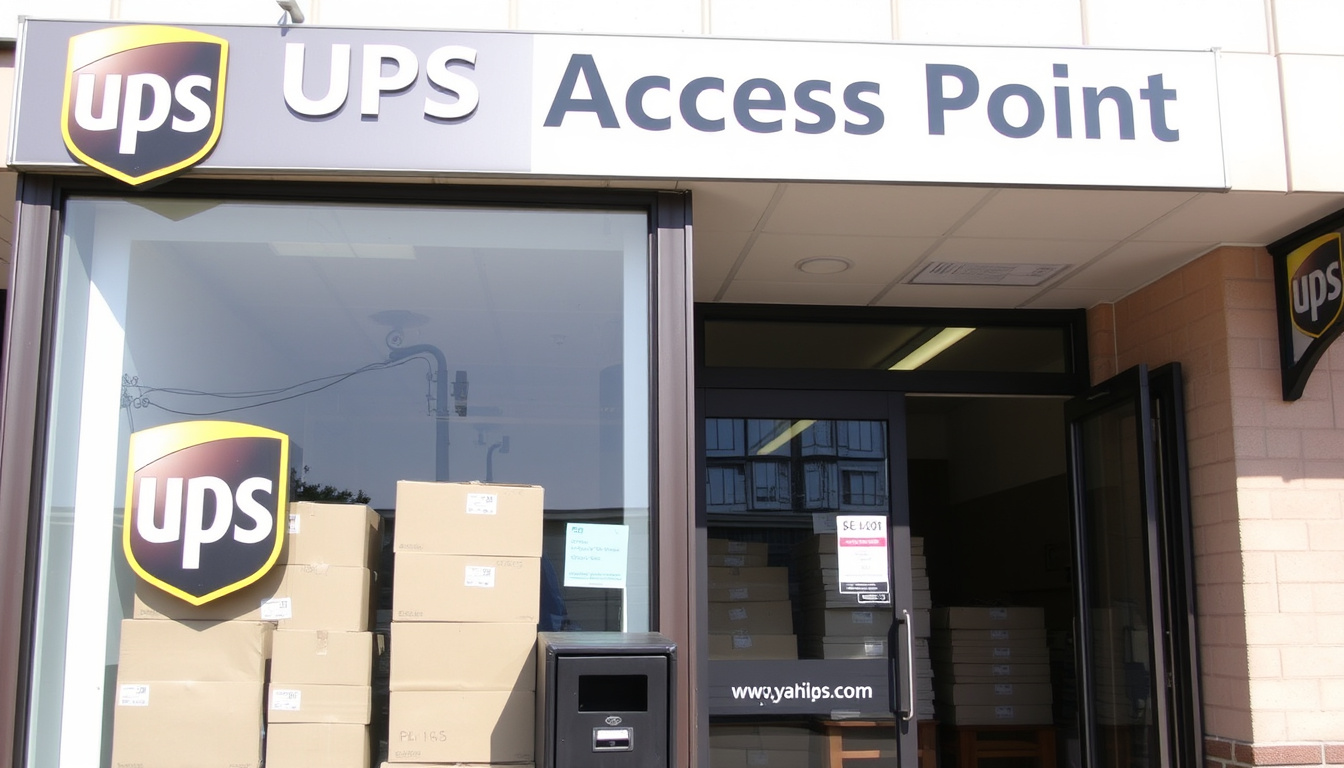
Anyone who has ever tried to return a package or pick up a missed delivery knows the struggle of finding a convenient drop-off spot. UPS Access Points turn local businesses into parcel hubs — think corner stores, florists, or even your neighborhood CVS — making it simpler to send or collect packages on your terms.
Global UPS Access Points: 40,000+ · Countries with Access Points: 60+ · Average package hold period: 7 days · Drop-off cost (pre-paid label): Free · Typical operating hours: Vary by location (often extended)
Quick snapshot
- UPS Access Points are local businesses that accept pre-labeled parcels for drop-off and hold packages for pickup (UPS official page).
- Drop-off with a prepaid label costs nothing extra (UPS pickup and drop-off options).
- Packages are held for up to 7 days (UPS East Lansing locations).
- Exact hours vary by location — some close early, others stay open late (East Lansing Access Point listing).
- In some countries, a few post offices may also serve as Access Points, but UPS does not provide a clear list (based on UPS pickup and drop-off options). (East Lansing Access Point listing)
- Latest drop-off times for Ground packages at an Access Point typically range from 5 PM to 6 PM, but vary (per UPS East Lansing locations).
- Some Access Points with lockers offer 24/7 access (East Lansing Access Point listing).
- Use the UPS location finder to map the nearest Access Point, then check hours and drop-off times before heading out (UPS pickup and drop-off options).
- Consider setting up a UPS My Choice account to manage deliveries and redirect packages to an Access Point (UPS official page).
Five key facts, one pattern: the distinction between physical network and service depth shapes every decision a customer makes.
| Fact | Detail |
|---|---|
| Official Name | UPS Access Point |
| Service Type | Parcel drop-off and collection |
| Location Type | Local businesses (convenience stores, florists, etc.) |
| Global Count | Over 40,000 |
| Countries Available | 60+ |
What is an UPS Access Point and how does it work?
How does the UPS Access Point system function?
- UPS Access Points are independent local businesses — convenience stores, florists, dry cleaners — that join the UPS network to accept and hold parcels (UPS official definition).
- When a package is dropped off, staff scan the parcel and provide a receipt; for pickups, the recipient shows ID (East Lansing Access Point listing).
- Only pre-labeled, ready-to-ship parcels are accepted — no packing or labeling services (UPS pickup and drop-off options).
What are the benefits of using a UPS Access Point?
- No extra charge for drop-offs with a prepaid label (UPS pickup and drop-off options).
- Extended hours compared to many UPS Stores — some locations with lockers are accessible 24/7 (East Lansing Access Point listing).
- Packages are held securely for up to 7 days, giving flexibility (UPS official definition).
For a local florist or dry cleaner, becoming a UPS Access Point means extra foot traffic and a small revenue stream — but also the responsibility of storing strangers’ packages securely. The trade-off: more customers walking through the door versus the hassle of managing parcels. Data from UPS shows the network now tops 40,000 locations, a sign that many small businesses find the exchange worthwhile (UPS official definition).
The implication: Access Points trade service breadth for convenience and reach. You give up packing help and printing, but you gain a much larger network with longer hours.
How do I find my nearest UPS Access Point?
Using the UPS location finder on ups.com
- Go to UPS.com/locations (the official UPS location tool) and enter your address, city, or ZIP code (UPS East Lansing locations).
- Press “Search” to see a map and list of nearby pickup and drop-off points (UPS pickup and drop-off options).
Filtering by Access Point type
- After the search results load, use the “Type” filter and select “UPS Access Point” to show only those locations (UPS pickup and drop-off options).
- Results will display the business name (e.g., CVS Store #8282), address, phone number, and operating hours (UPS East Lansing locations).
Checking hours and contact details
- Each Access Point listing shows current day’s hours and latest drop-off times for Ground and Air packages (East Lansing Access Point listing).
- Call the store directly if you need to confirm holiday schedules or specific drop-off deadlines (The UPS Store locator).
A single search on UPS.com is usually enough, but hours can change without warning. The East Lansing CVS Access Point, for instance, lists latest drop-off times of Ground 6:00 PM and Air 5:00 PM — but the store itself stays open until 11:55 PM (UPS East Lansing locations). Always check the specific drop-cut times, not just store hours.
What this means: the online finder is reliable but always cross-reference drop-cut windows — they are earlier than closing time.
How do UPS Access Point locations work?
The drop-off process at an Access Point
- Bring your pre-labeled parcel to the counter. The store employee scans the label, weighs the package (if needed), and gives you a receipt (East Lansing Access Point listing).
- No label? You cannot drop off at an Access Point — you’ll need a UPS Store or print a label at home (UPS pickup and drop-off options).
- The parcel is held in a secure area until the daily UPS pickup (UPS official definition).
The pickup process for packages
- UPS delivers your package to the Access Point and sends you a notification (via email or UPS My Choice) with a pickup code (UPS official definition).
- Bring a government-issued ID and the pickup code (if provided) to the counter (East Lansing Access Point listing).
- Packages are stored for up to 7 days; after that they are returned to sender (UPS official definition).
“UPS Access Point locations are local businesses that offer a convenient alternative option to receive or drop off ready-to-ship parcels, including returns.”
UPS official description
The pattern: Access Points are a middle ground — more personal than a drop box, less full-service than a UPS Store. For routine drop-offs and pickups, they are the fastest option if a label is ready.
Can I drop UPS at the post office?
General rule: USPS post offices do not accept UPS parcels
- Standard United States Postal Service (USPS) offices are separate networks — they only handle USPS mail and packages, not UPS (UPS pickup and drop-off options).
- Drop boxes labeled “USPS” will not accept UPS parcels.
Exceptions: some post offices also operate as UPS Access Points
- In certain countries (e.g., the United Kingdom, Canada), a small number of post offices may be designated UPS Access Points. Always verify using the UPS location finder (UPS pickup and drop-off options).
- The UPS location filter will clearly label any post office that doubles as an Access Point (UPS East Lansing locations).
The most common mistake is walking into a USPS office with a UPS label. Save yourself the trip: UPS does not accept packages at regular post offices. Use the UPS finder to confirm an Access Point or a UPS Store before heading out (UPS pickup and drop-off options).
Why this matters: mixing up USPS and UPS networks wastes time and risks missing drop-off deadlines. Always filter by “UPS Access Point” on the official tool.
What is the difference between a UPS Store and a UPS Access Point?
Services offered at a UPS Store
- Full-service shipping: packing, labeling, printing, and mailboxes (The UPS Store locator).
- You can buy boxes, print labels, and get expert packing help (UPS pickup and drop-off options).
- Open seven days a week at many locations, but hours vary (Lansing UPS Store hours).
Services offered at a UPS Access Point
- Limited to drop-off and pickup of pre-labeled parcels — no packing, no printing, no mailboxes (UPS official definition).
- Often embedded in retail stores with longer hours, sometimes 24/7 lockers (East Lansing Access Point listing).
- No additional cost for drop-offs with prepaid labels.
When to choose each
- Choose a UPS Store when you need packing supplies, help packaging fragile items, or want to print a label in-store (The UPS Store locator).
- Choose a UPS Access Point when you already have a labeled package and just need a quick drop-off or pickup — especially after typical retail hours (UPS pickup and drop-off options).
The trade-off: if you value speed and hours, pick an Access Point; if you value service and supplies, pick a UPS Store.
| Service Type | Features | Ideal for |
|---|---|---|
| UPS Access Point | Drop-off/pickup only, pre-labeled, no packing, often extended hours | Quick drop-off or pickup with label ready |
| UPS Store | Full service: packing, printing, mailboxes, shipping advice | Need help with packaging or supplies |
| UPS Drop Box | 24/7 self-service, no receipt, no packages beyond small envelope size | Late-night drop of small letters or express envelopes |
| UPS Customer Center | On-site UPS facility, full services, limited hours | Large or multiple shipments that need direct attention |
Step-by-Step Guide to Using a UPS Access Point
- Prepare your package: Seal it securely and attach a prepaid shipping label. You must print the label at home or use a UPS Store (UPS drop-off requirements).
- Find an Access Point: Use the UPS location finder and filter by “UPS Access Point”. Enter your address.
- Check hours and drop-cut times: View the specific listing page for the location (e.g., East Lansing CVS) to see store hours and latest drop-off time (often earlier than closing).
- Visit the location: Bring your labeled package. If you are picking up, bring an ID and any pickup code from UPS My Choice.
- Hand the package to staff: The employee will scan it and give you a printed receipt. Keep it until the package is tracked as delivered.
- Track your shipment: Use the tracking number on your label to monitor progress (UPS tracking).
Clarity: What we know and what remains uncertain
Confirmed facts
- UPS Access Points are located in local businesses (CVS, florists, etc.) and accept pre-labeled parcels for drop-off and pickup (UPS official definition).
- No additional charge for drop-offs with prepaid labels (UPS pickup and drop-off options).
- Packages are held for up to 7 days (UPS official definition).
- UPS Stores offer full packing and labeling services; Access Points do not (UPS pickup and drop-off options).
- Standard USPS post offices do not accept UPS packages (UPS pickup and drop-off options).
What’s unclear
- Exact hours vary by location — a CVS Access Point may close earlier or later than expected (East Lansing Access Point listing).
- Whether some post offices in certain countries act as UPS Access Points is not systematically documented by UPS (UPS pickup and drop-off options).
- Latest drop-off times differ by location and package type, and are not always prominently displayed on the UPS site (UPS East Lansing locations).
- The specific weight limit for parcels at Access Points is not publicly listed by UPS (UPS general guidelines).
“The UPS Store provides multiple, wide-ranging services including packaging, printing, and mailbox rentals.”
UPS official description of The UPS Store
“UPS Drop Boxes are an option for 24/7 drop-off of pre-labeled packages, but they are limited to envelopes and small parcels.”
UPS drop box details
The network of Access Points is a genuinely useful resource — as long as you understand its boundaries. The key is knowing when you need full service and when a simple drop-off will do. For small business owners considering becoming an Access Point, extra foot traffic comes in exchange for handling logistics — and for shoppers, the same choice applies in reverse.
Related reading: Waitrose Food to Order – Delivery Guide and Costs · All Her Fault Episodes – Complete Guide and Summaries
Frequently Asked Questions
How long does UPS hold packages at Access Points?
UPS holds packages for up to 7 days. After that, they are returned to the sender (UPS official definition).
Can I drop off a package without a label at a UPS Access Point?
No. UPS Access Points only accept pre-labeled parcels. If you don’t have a label, visit a UPS Store where you can print or purchase one (UPS pickup and drop-off options).
Is there a weight limit for UPS Access Point drop-offs?
UPS does not publicly list a specific weight limit for Access Points, but parcels must be handled by a single person. Oversized or very heavy items may require a UPS Store or Customer Center (UPS general guidelines).
Can I pick up a package at a UPS Access Point on weekends?
It depends on the hosting business. Some Access Points are open seven days a week (e.g., certain CVS stores), while others close on Sundays. Always check the specific listing (East Lansing Access Point listing).
Do I need to create an account to use a UPS Access Point?
No. You can walk in for drop-offs without an account. However, signing up for UPS My Choice lets you redirect packages to an Access Point for pickup and receive notifications (UPS official definition).
What happens if I miss the delivery to a UPS Access Point?
If the package is undeliverable (e.g., the Access Point rejects it or you don’t pick it up in time), UPS will return it to the sender after the hold period (UPS official definition).
Can I use a UPS Access Point for international shipments?
Yes, if you have a prepaid international label. The Access Point will accept the parcel and scan it into the UPS network just like domestic packages (UPS pickup and drop-off options).
Related stories





Alex Nguyen is Editor-in-Chief at BuzzLayer, overseeing editorial standards, publication decisions and corrections.